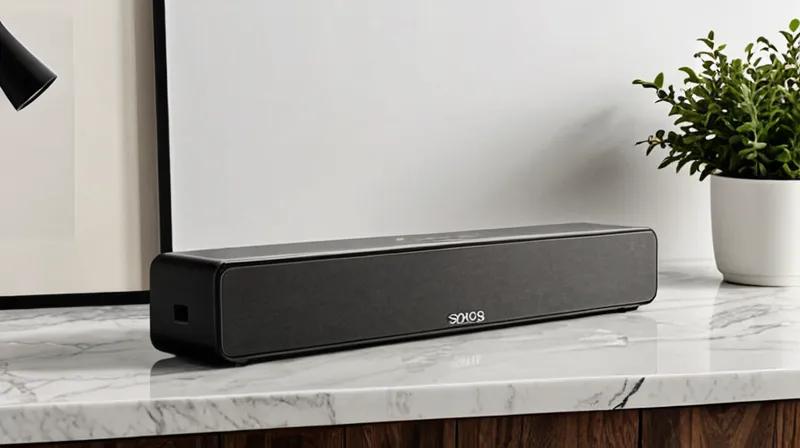
For many homeowners, Sonos soundbars have become the centerpiece of their home entertainment systems, delivering immersive audio experiences for movies, music, and streaming content. However, even the most premium soundbars can sometimes fall short of expectations, leaving users frustrated with subpar audio quality. Fortunately, there are several simple, free methods to significantly enhance your Sonos soundbar's performance without breaking the bank.
Optimize Your Soundbar's Placement
One of the most impactful yet overlooked factors affecting sound quality is the physical positioning of your soundbar. Placing your soundbar at ear level and ensuring it's centered with your TV can dramatically improve audio projection and clarity. Additionally, avoiding placement in corners or against walls helps prevent sound distortion and echoes. Experimenting with slight adjustments in distance from the wall can make a noticeable difference in how your soundbar reproduces audio.
Adjust Audio Settings Through the Sonos App
The Sonos app offers a range of audio customization options that are often underutilized. Enabling the 'Equalizer' feature allows you to fine-tune bass, treble, and midrange frequencies to match your room's acoustics. You can also activate the 'Room Calibration' function, which automatically adjusts audio output based on your room's unique characteristics. These settings, available at no additional cost, can transform a mediocre audio experience into a crisp, balanced one.
Consider Your Surround Sound Setup
If your Sonos system includes rear speakers, ensuring proper speaker positioning is crucial. Positioning rear speakers slightly behind and to the sides of your seating area creates a more enveloping audio experience. Additionally, using the Sonos app to configure your speaker zones helps optimize audio distribution throughout your space. These simple modifications can make your soundbar feel like it's delivering theater-quality audio.
By implementing these free adjustments, users can significantly enhance their Sonos soundbar's audio output. These tweaks not only improve sound quality but also extend the lifespan of your audio equipment by reducing strain on the system's components.


