Introduction
Imagine you're at a friend's house and you love their new living room design. You want to recreate that same look in your own home, but you don't want to pay for expensive furniture or hire a designer. What if you could just copy their style using free tools? That's exactly what you can do with your computer's desktop interface!
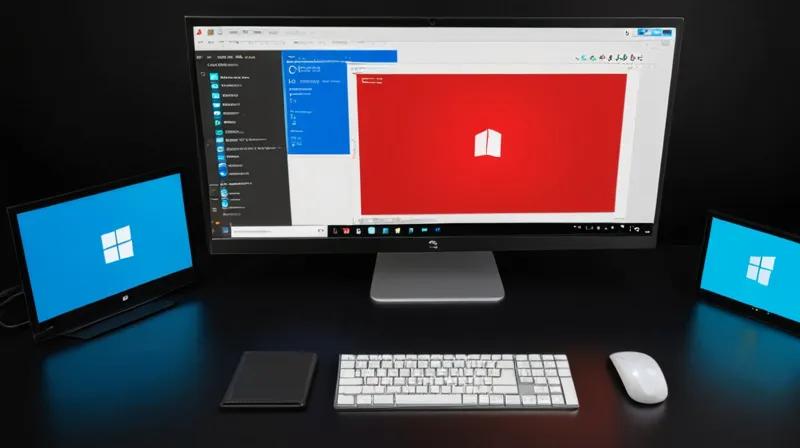
Recently, people have been sharing how to make Linux-based computers look just like Windows 11 - the popular operating system from Microsoft. This isn't about making the computer work like Windows, but rather changing how it looks on screen. It's like giving your computer a new outfit without changing its personality.
What is Desktop Customization?
Think of your desktop as your computer's front porch or living room. The desktop is the first thing you see when you turn on your computer. It's where you keep your files, applications, and shortcuts to programs you use often.
Desktop customization is like redecorating your living room. You can change:
- The background wallpaper
- The colors and styles of buttons and menus
- The way icons are arranged
- The overall look and feel of the interface
When people say they want their Linux computer to look like Windows 11, they're talking about changing these visual elements to match Microsoft's design style.
How Does Desktop Customization Work?
Modern operating systems (like Linux, Windows, and macOS) are built with something called a 'desktop environment.' Think of this like a set of furniture and decorations that go together in a room.
For Linux, there are many different desktop environments - like GNOME, KDE, and XFCE. Each one has its own look and feel, just like different room styles.
To make Zorin OS (a Linux distribution) look like Windows 11, people use special tools and themes:
- Themes: These are like paint colors and decorations that change how buttons, windows, and menus look
- Icons: These are small pictures that represent programs - like the icon for your email app
- Fonts: These are the different styles of letters and numbers used in the interface
- Extensions: These are small add-ons that can change how the desktop works
It's similar to how you might change your phone's theme to match a specific color scheme or design pattern. You're not changing what the phone does, just how it looks.
Why Does This Matter?
This type of customization matters because it shows how technology is becoming more user-friendly and flexible. Here's why:
Accessibility: People who are used to Windows might find Linux easier to use if it looks familiar.
Choice: It shows that you don't have to choose just one way to use your computer. You can have the freedom of Linux (which is often free and open-source) while keeping the look you prefer.
Learning Curve: When something looks familiar, it's easier to learn how to use it. This helps people try new technology without feeling overwhelmed.
Community Sharing: This also shows how helpful the tech community can be. People share their work so others can benefit from their creativity.
Key Takeaways
Here are the main things to remember:
- Desktop customization is about changing how your computer looks, not what it does
- Linux operating systems can be styled to look like other popular operating systems
- Themes, icons, fonts, and extensions are the tools used to make these changes
- This is a great example of how technology allows for personalization and choice
- It shows how helpful the tech community can be when sharing knowledge and tools
Just like how you might decorate your room to match your favorite TV show or movie, you can customize your computer to match your preferences. The beauty of technology is that it allows us to make our digital spaces feel comfortable and familiar, no matter what kind of computer we're using.


