Introduction
Modern computing has increasingly blurred the boundaries between traditional devices, enabling seamless integration across multiple platforms. The ability to repurpose legacy hardware as modern computing peripherals represents a fascinating intersection of digital signal processing, hardware abstraction, and network communication protocols. This concept, while seemingly simple, involves sophisticated underlying mechanisms that enable devices to communicate and share resources across different operating systems and hardware architectures.
What is Device Repurposing and Cross-Platform Compatibility?
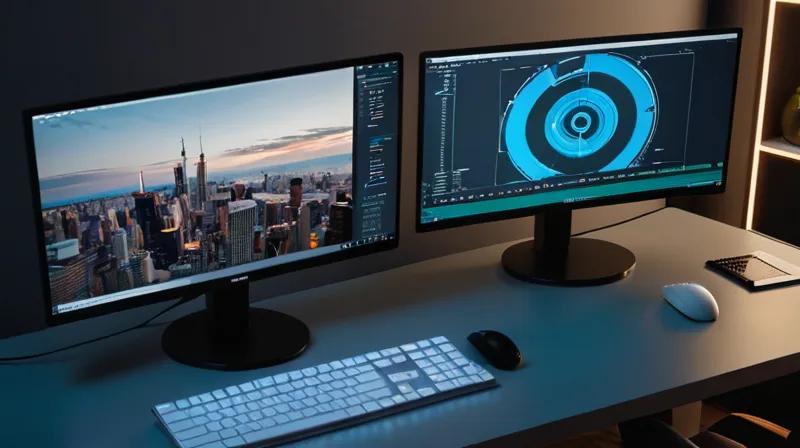
Device repurposing in computing refers to the process of utilizing hardware originally designed for one function as a component for a different purpose. In this context, it specifically involves transforming a television set—typically designed for receiving and displaying analog or digital broadcast signals—into a computer monitor. This transformation relies on understanding video input/output interfaces, display protocols, and operating system hardware abstraction layers.
Modern TVs, particularly those with HDMI (High-Definition Multimedia Interface) ports, can receive digital video and audio signals from computers. The key technical challenge lies in ensuring that the computer's graphics output (rendered by the GPU) is properly interpreted and displayed on the television's screen, which may have different native resolutions, refresh rates, and display characteristics.
How Does This Process Work Technically?
The underlying mechanism involves several interconnected components. First, the computer's graphics processing unit (GPU) generates a digital video signal that conforms to specific video standards (such as HDMI or DisplayPort protocols). This signal contains timing information, color depth specifications, and resolution parameters that must match the receiving device's capabilities.
When connecting a computer to a TV via HDMI, the system establishes a handshake protocol where the computer queries the TV's EDID (Extended Display Identification Data) to determine supported resolutions, refresh rates, and color formats. The GPU then outputs video data at the negotiated specifications, which the TV's video processing pipeline decodes and displays.
For advanced scenarios involving wireless connections or multiple device management, network protocols such as DLNA (Digital Living Network Alliance) or Wi-Fi Direct may be employed. These protocols enable streaming of video content over local networks, though they introduce additional latency and bandwidth considerations.
Why Does This Matter for Modern Computing?
This capability demonstrates the evolution of hardware standardization and interoperability in computing ecosystems. It reflects the broader trend toward ubiquitous computing, where devices seamlessly integrate into user environments without requiring specialized hardware. From an operating system perspective, this process involves complex driver architectures that abstract hardware differences and provide consistent interfaces for applications.
From a resource optimization standpoint, repurposing existing hardware reduces electronic waste and maximizes utility. This approach aligns with sustainable computing principles and demonstrates how digital transformation can leverage existing infrastructure rather than requiring complete replacement.
Key Takeaways
- Modern display interfaces (HDMI, DisplayPort) enable bidirectional communication between devices through standardized protocols
- EDID data exchange allows automatic negotiation of display capabilities and optimal signal parameters
- Operating system graphics drivers abstract hardware differences to provide consistent user experiences
- Wireless display technologies (Wi-Fi Direct, DLNA) extend these capabilities beyond physical connections
- This approach exemplifies the principles of hardware interoperability and sustainable computing practices
Understanding these mechanisms provides insight into how modern computing systems achieve seamless integration across diverse hardware platforms while maintaining performance and compatibility standards.