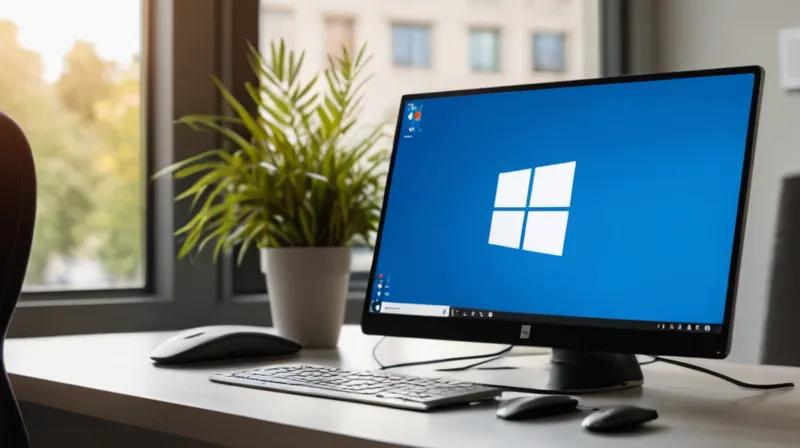
Microsoft is making it increasingly difficult to avoid using a Microsoft account when setting up Windows 11, but users still have the option to create a local account. The company's setup process actively encourages users to sign in with a Microsoft account, emphasizing its benefits for seamless integration across devices and services.
Why Microsoft Pushes Its Account System
The tech giant promotes Microsoft accounts as the superior choice for users who want to leverage cloud services, access their files from multiple devices, and maintain consistent settings across their Windows ecosystem. Microsoft argues that a Microsoft account provides better security features and enables automatic backup of settings and preferences. However, this approach raises privacy concerns for users who prefer more control over their data.
Local Account Advantages and Setup
Despite Microsoft's strong preference, local accounts remain a viable alternative for users who prioritize privacy or work in environments where cloud connectivity isn't feasible. Setting up a local account in Windows 11 requires navigating past the initial setup prompts, which can be frustrating for some users. Local accounts offer complete offline functionality and eliminate the need to share personal information with Microsoft.
Choosing the Right Option
Users should weigh their priorities when deciding between account types. Those who frequently switch between devices or rely heavily on Microsoft services may benefit from a Microsoft account. Conversely, users who value privacy or operate in restricted environments might prefer a local account for its independence and control.
Microsoft's approach reflects its broader strategy to integrate users into its ecosystem, but the availability of local accounts ensures users retain some autonomy in their computing choices.