Understanding Laptop Hardware: Why Some Features Matter More Than Others
When you're shopping for a new laptop, you might feel overwhelmed by all the technical specifications on the box. Terms like RAM, storage, and processors can seem like a foreign language. But understanding these features helps you make smart decisions about where to spend your money and where you can save. Let's break down what matters most when buying a laptop.
What is Laptop Hardware?
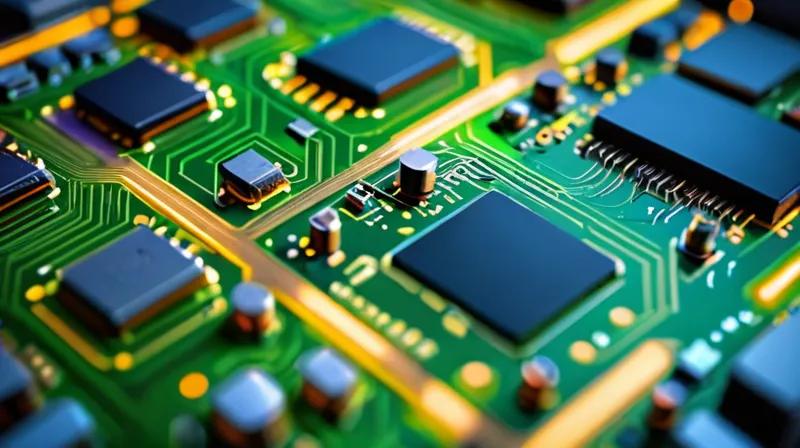
Laptop hardware refers to all the physical parts inside your computer that make it work. Think of it like the body of your laptop - each part has a specific job, just like how your heart pumps blood and your lungs help you breathe. These components include things like the processor (the brain), memory (RAM), storage (where things are kept), and graphics cards (for displaying images).
How Does This All Work Together?
Imagine your laptop is like a busy office. The processor is like the boss who makes all the important decisions. The RAM is like the desk space where employees work - more desk space means more people can work at once. Storage is like the filing cabinet where all the documents are kept. And the graphics card is like the printer that handles all the visual work.
When you open a program, the processor decides what to do. The RAM holds the program's information while it's running. The storage keeps all your files safe. And the graphics card handles the pretty pictures you see on screen.
Why This Matters for Your Wallet
Not all laptop features are created equal. Here's where to focus your budget:
- RAM (Memory): This is like having more workspace. If you're multitasking with many programs, more RAM helps your laptop work smoothly. 8GB is usually good for most people, but 16GB is better if you work with videos or do programming.
- Storage Type: SSD (solid state drive) is much faster than traditional hard drives. It's like switching from a bicycle to a car - everything feels faster and more responsive.
- Processor (CPU): This is the brain of your laptop. A newer generation processor will generally perform better than an older one, even if it has the same number of cores.
Here's what to skip spending extra money on:
- High-end Graphics Cards: Unless you're a gamer or do video editing, the basic graphics built into most processors are fine for everyday use.
- Extra Battery Life: Most modern laptops have decent battery life. Spending extra for a few more hours often isn't worth it.
- High-Resolution Screens: Unless you're a professional photographer or designer, a standard screen is usually enough.
Key Takeaways
When buying a laptop, focus your money on the features that actually improve your daily experience. RAM and storage type matter most for performance. Don't overspend on features you won't use. Think about how you'll actually use your laptop - if you're a student, you might need more RAM. If you're a gamer, you might need a better graphics card. But for most people, a good balance of processor, RAM, and fast storage gives the best value.
Remember, the best laptop isn't always the most expensive one - it's the one that fits your needs and budget perfectly.


